



Protect the people who read your entries.
Online abuse and harassment are a reality for many businesses. Moderation helps ensure toxic content doesn’t reach the people who process form submissions.

Powered by Perspective API
Machine learning from Jigsaw and Google analyzes submissions and filters undesirable language – catching toxic entries.

Catches what spam filters can’t
Spam filters catch bots. Moderation catches real people sending abusive content – valid entries with harmful intent.

Included with Elite and Nonprofit
The Moderation Add-On is available with a Gravity Forms Elite or Nonprofit license.

Set the rules for what gets flagged
Control your toxicity filters – easily filter entries based on specific criteria and decide how strict you want to be.
Toxicity attributes: Choose what to block – toxicity, insults, profanity, threats, and more.
Set your threshold: Control the sensitivity from 0 (not toxic) to 1 (very toxic).
Custom word list: Add your own toxic words to flag automatically.
Manage toxic entries
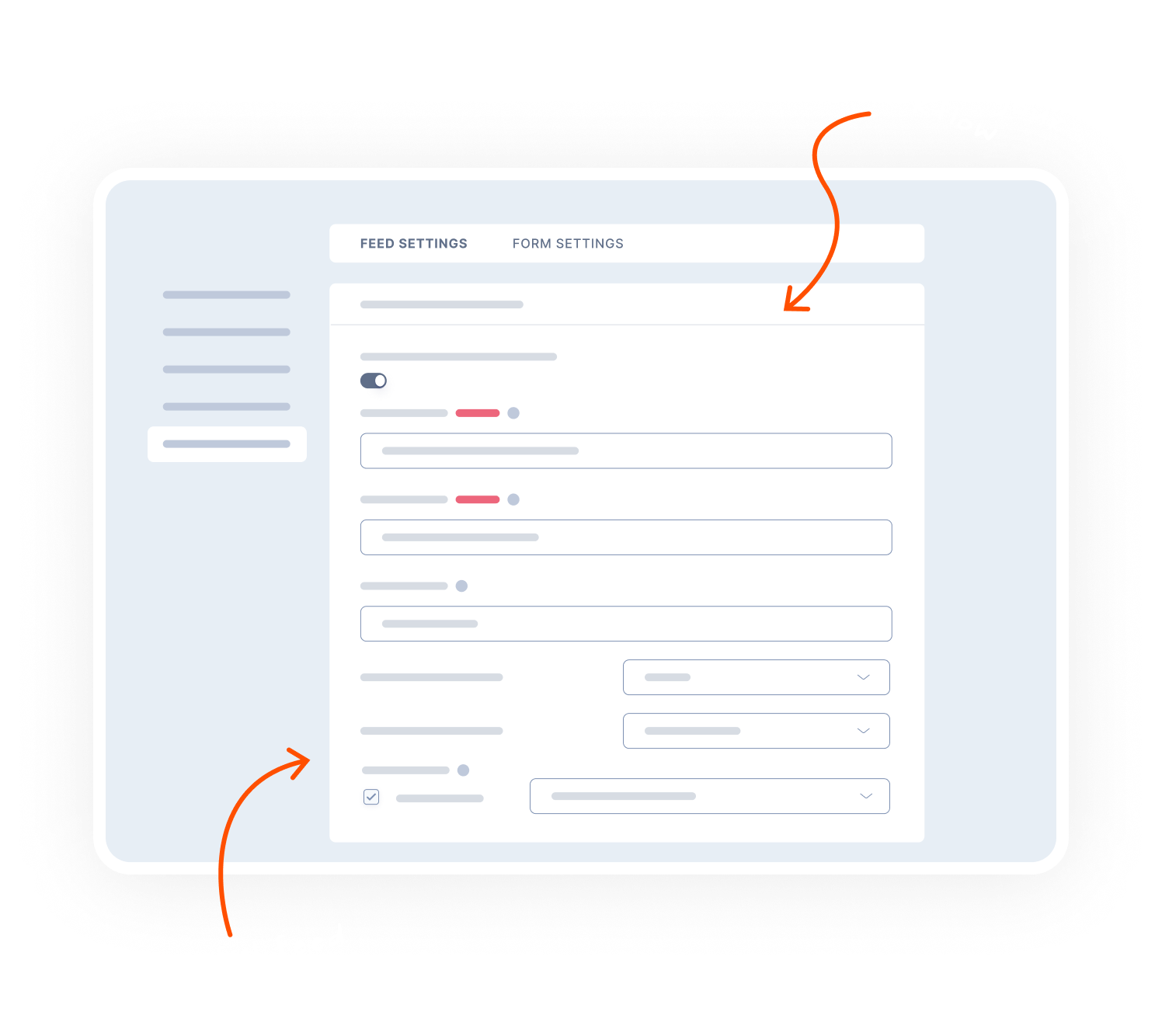
Decide what happens to toxic content – delete toxic entries immediately or send them to the Toxic Entry Box for review.
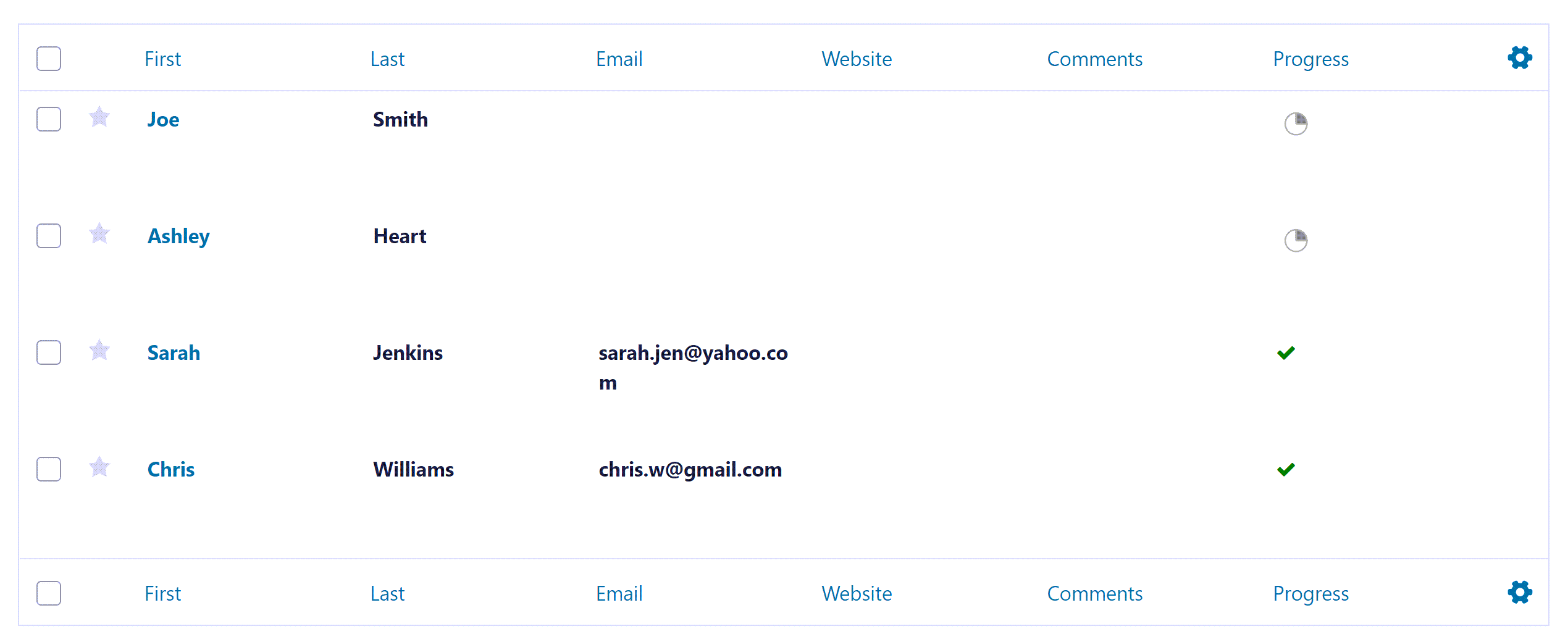
Toxic Entry Box: Flagged submissions are held separately so they don’t reach the main entry list.
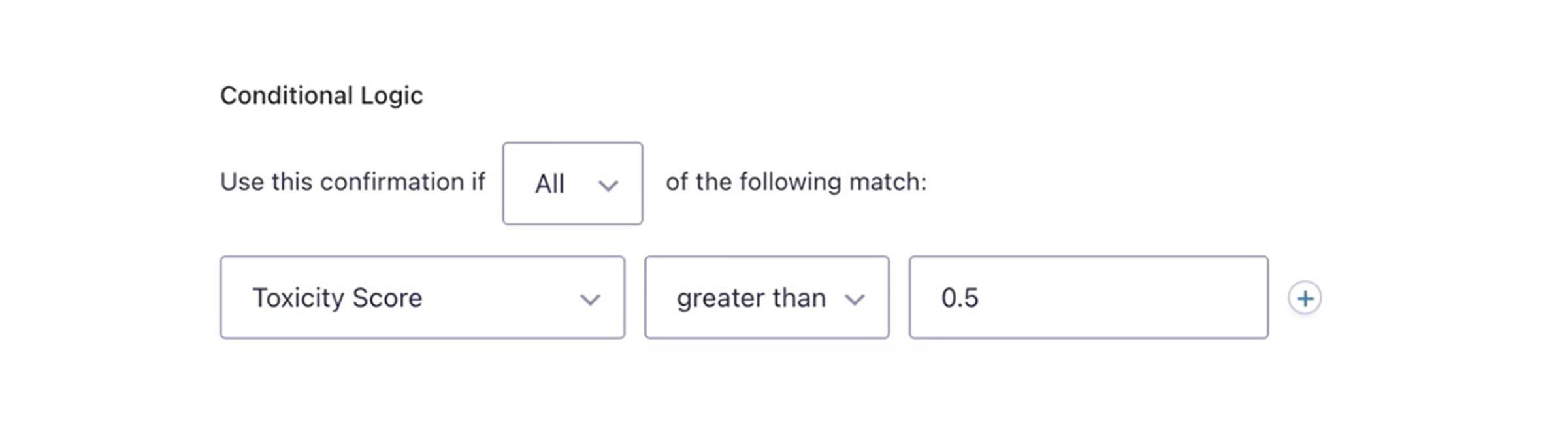
Custom confirmations: Use conditional logic to display a specific message to anyone submitting abusive content.
Control notifications: Send toxic submissions to a different email, or skip the notification entirely.

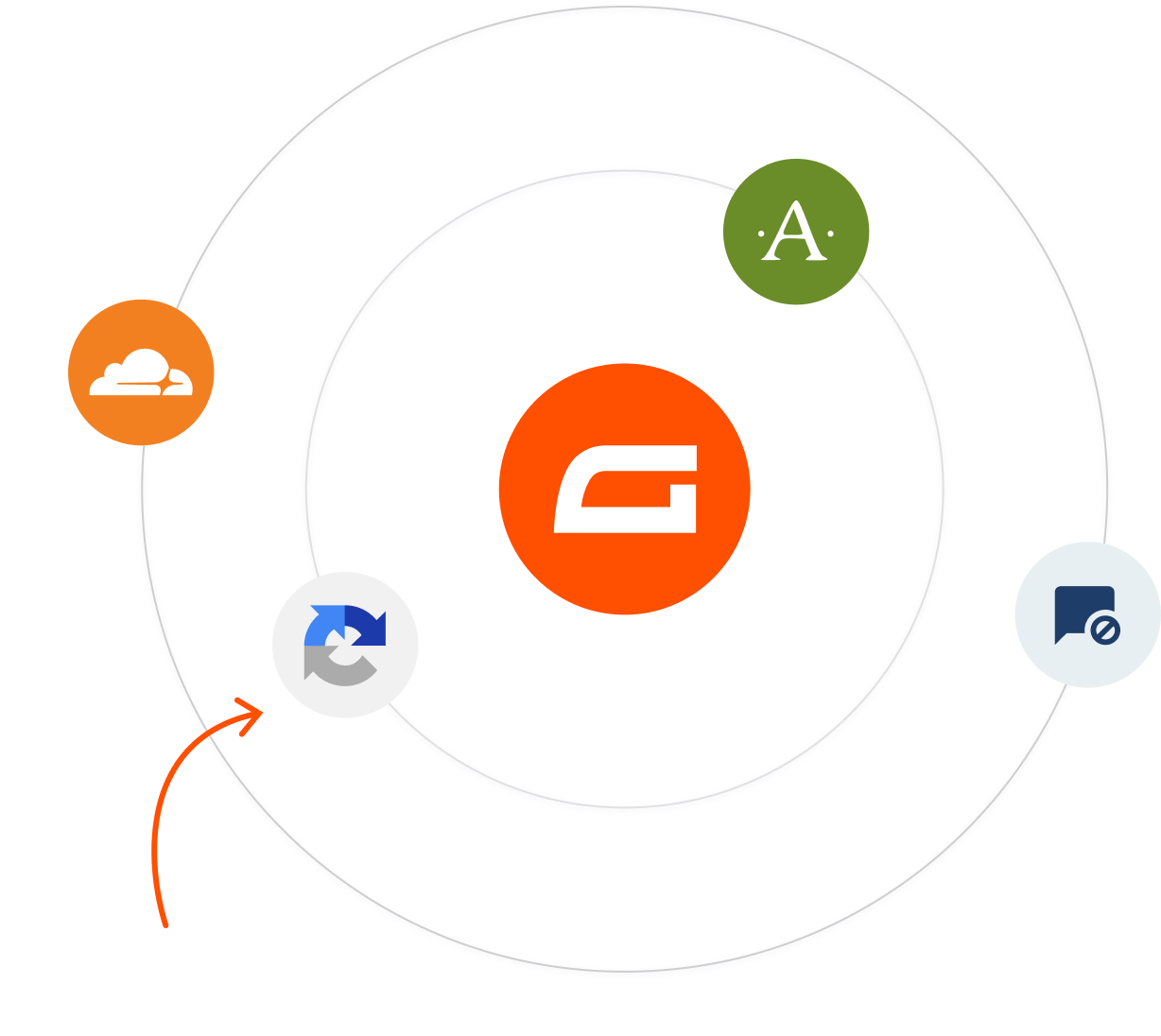
The Gravity Forms anti-spam toolkit
Moderation works alongside other Gravity Forms tools to keep your forms clean and your team protected.
Akismet: Checks submissions against a global spam database to filter out malicious entries.
reCAPTCHA: Support for both Google reCAPTCHA v2 and v3.
Cloudflare Turnstile: A privacy-friendly CAPTCHA alternative – verify users without puzzles.
Transparent pricing?
That’s affirmative.
The Moderation Add-On is included with a Gravity Forms Elite license. Get the details and always know what you’ll pay.
 Buy Now
The Gravity Forms Elite License gives you unlimited access to the full suite of features, all of our add-ons, and Gravity SMTP!

Unlimited Sites

Priority Support

WordPress Multisite

User Registration Add-On
Conversational Forms
Partial Entries Add-On
Polls Add-On
Signature Add-On
Survey Add-On

See why creators, teams, and businesses trust Gravity Forms to power their workflows
“
As a web designer, I have not found any other WordPress form application that is as easy to update and has as many features as Gravity Forms.

Kristin Pruis
“
Your customer service is very personal. Receiving quick email replies from your staff is gratifying and extremely helpful. I transferred licenses from me to two separate webmasters–it was seamless.

Claudia Siegal
“
I often have to create complex forms with conditional logic, and Gravity Forms is the only plugin I have found that is robust enough to do what I need.

Michele M.
Need more info?
Our extensive documentation, blog, and Learn site have all the resources you need to get started.
Documentation
Explore step-by-step documentation covering all things Moderation.
Gravity Forms blog
Tips, tutorials, and advanced use cases for better forms, all on the blog.
Gravity Learn site
Follow along with short practical videos, courses, and webinars.
Frequently Asked Questions.
What does the Gravity Forms Moderation Add-On do?

The Gravity Forms Moderation Add-On helps protect WordPress form owners and their teams by filtering toxic, abusive, or harassing form submissions before they are viewed.
How does the Moderation Add-On detect toxic form entries?
The Moderation Add-On uses Google’s Perspective API to analyze form submissions with machine learning, identifying harmful language such as toxicity, insults, profanity, or threats.
What happens when a form submission is marked as toxic?
Toxic submissions can be automatically deleted or sent to a dedicated Toxic Entry Box in your WordPress dashboard, preventing harmful content from reaching staff or inboxes.
Can I customize what content is considered toxic?
Yes, you can choose which toxicity attributes to filter, set your own toxicity threshold, and even define custom words that should always be flagged as toxic.
Can I control notifications and responses for abusive submissions?
Yes, you can use Gravity Forms conditional logic to change confirmation messages, route notifications to different emails, or suppress notifications entirely for toxic entries.
Who should use the Gravity Forms Moderation Add-On?
The Moderation Add-On is ideal for businesses, nonprofits, creators, and public-facing websites that want to protect teams from online abuse while maintaining open communication through WordPress forms.
Who should use the Gravity Forms Moderation Add-On?
The Moderation Add-On is ideal for businesses, nonprofits, creators, and public-facing websites that want to protect teams from online abuse while maintaining open communication through WordPress forms.
What license is required to use the Moderation Add-On?
The Moderation Add-On is available with Gravity Forms Elite and Nonprofit licenses.
Can I try Gravity Forms before purchasing?
Yes. Gravity Forms offers a free Elite demo that lets you test it as a full-featured WordPress form builder before committing to a paid license.
If I love the demo and decide to purchase Gravity Forms, do you offer a money back guarantee?
We want you to feel confident about purchasing Gravity Forms which is why we offer a 30-day money back guarantee. If you find Gravity Forms isn’t the best fit, simply send us a message! We’ll happily refund 100% of your money, no questions asked.