Stripe vs Authorize.net for payments: Honest comparison to help you choose
 By Colin Newcomer
Published April 7, 2026
By Colin Newcomer
Published April 7, 2026

Trying to choose between Stripe vs Authorize.net to process payments for your WordPress website, or any other business?
Stripe and Authorize.net both offer tools to help businesses accept online and in-person payments, but there are also some pretty big differences between the two in terms of their basic approaches, along with other details such as supported payment methods, countries, and currencies.
In this comparison, we’ll help you understand those differences and choose the best tool for your business by comparing Authorize.net vs Stripe in the following categories:
- Notable payment features
- Processing rates and other fees
- Supported payment methods
- Supported countries and currencies
- In-person payments
If you’re using WordPress, we’ll also cover how you can use the Gravity Forms plugin to create customizable WordPress payment forms that easily integrate with Stripe.
Let’s jump in…
Quick introductions to Stripe and Authorize.net
Before we get into the deeper comparison, let’s start with some quick introductions to Stripe and Authorize.net.
Stripe introduction
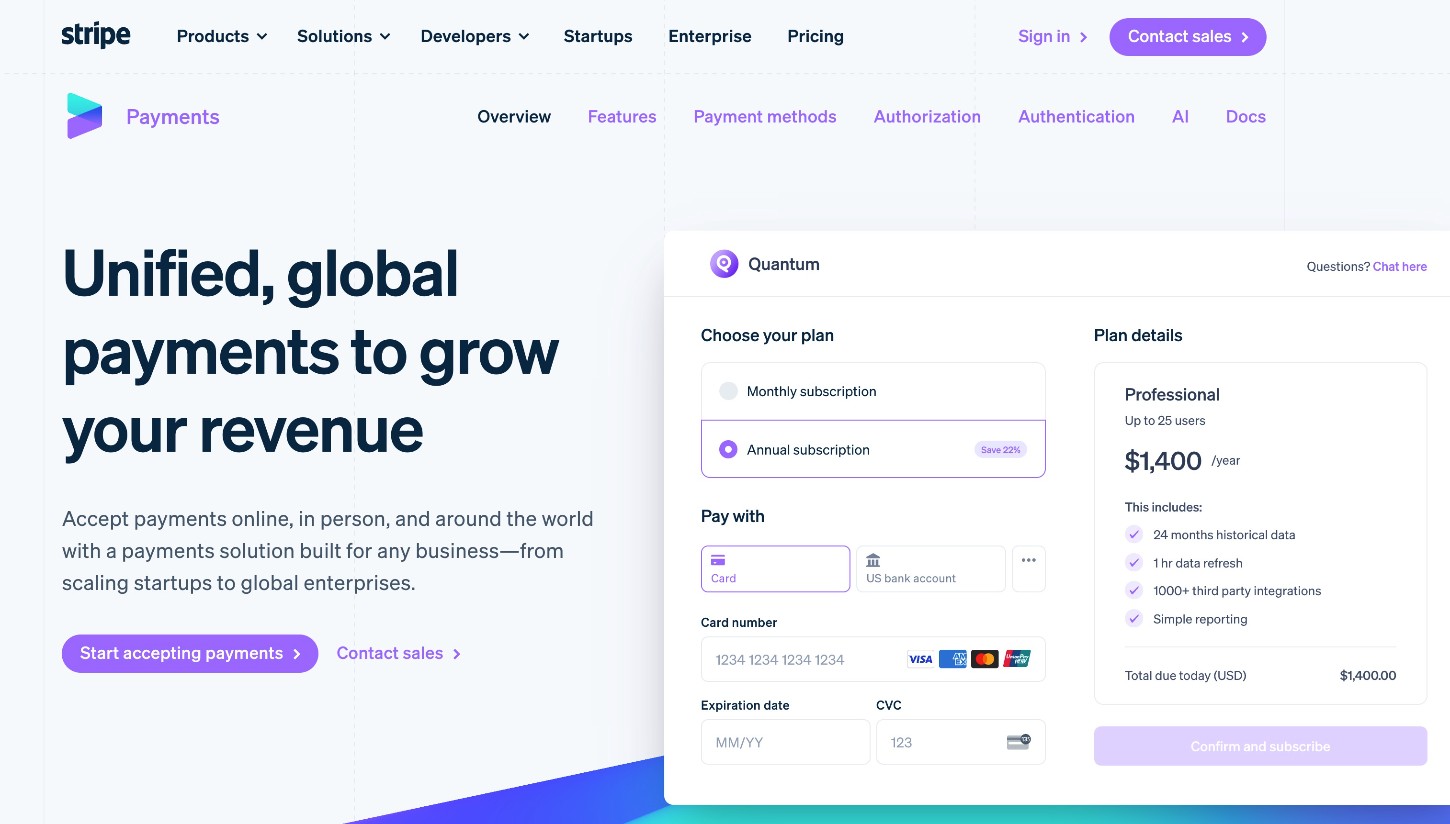
Stripe is a popular financial infrastructure platform that was launched back in 2010.
Its most well-known offering is an all-in-one payment solution, where Stripe can act as both the payment gateway and the payment processor:
- Payment gateway – the frontend interface where customers enter payment information.
- Payment processor – the behind-the-scenes service where Stripe transmits the payment information to payment networks and receives authorization.
Another unique thing about Stripe is its developer-friendly approach, with well-documented APIs that allow developers to integrate with Stripe’s many service offerings.
However, you certainly don’t need to be a developer to benefit from Stripe, as you can find many pre-made solutions. For example, if you’re using WordPress, you can use the Gravity Forms plugin to easily create WordPress payment forms powered by Stripe.
Authorize.net introduction

Authorize.net is a popular payment gateway that’s been around since all the way back in 1996. Since 2010, it’s been a subsidiary of Visa, after its parent company (Cybersource) was acquired by Visa in July 2010.
Unlike Stripe, Authorize.net is just a payment gateway. That is, Authorize.net does not offer its own payment processing solution like Stripe. Technically, you could use Authorize.net exclusively as a gateway, while using your own merchant account for payment processing.
However, Authorize.net also offers all-in-one plans that combine a payment gateway and processing in one platform, which essentially accomplishes the same thing as Stripe’s unified platform. On these all-in-one plans, Authorize.net still outsources the actual processing to various processors, including WorldPay, Chase Payment Solutions, First Data Merchant Services, and others.
Notable payment processing functionality
Now, let’s look at some of the notable payment processing functionality in these two services…
Stripe
- Unified payments solution – Stripe is both a payment gateway and a payment processor, which means it handles the entire payment process in one unified solution.
- Online payments – Stripe is primarily focused on helping businesses accept online payments.
- Support for a variety of payment methods – Stripe lets you go beyond credit and debit card payments, with support for over 100 different global payment methods.
- Subscription payments – in addition to accepting one-time payments, you can also create automatic recurring payments on a customizable schedule.
- Reporting tools – you get detailed reports to analyze your business’s payment flow and subscriptions.
- Fraud protection tools – in addition to Stripe’s built-in protections, you can also use Stripe’s Radar tool to create your own custom fraud protection rules.
- Gravity Forms Stripe Add-On – if you built your website with WordPress, you can create customizable Stripe payment forms using the Stripe Add-On from the Gravity Forms team.
- In-person payments – Stripe also offers physical hardware and integrations for in-person payments.
- Tax compliance – Stripe Tax can simplify calculating and collecting sales tax and VAT all around the globe.
In addition to its unified payment solution, Stripe also offers a number of other financial services, including financing, card issuing, and more.
Authorize.net
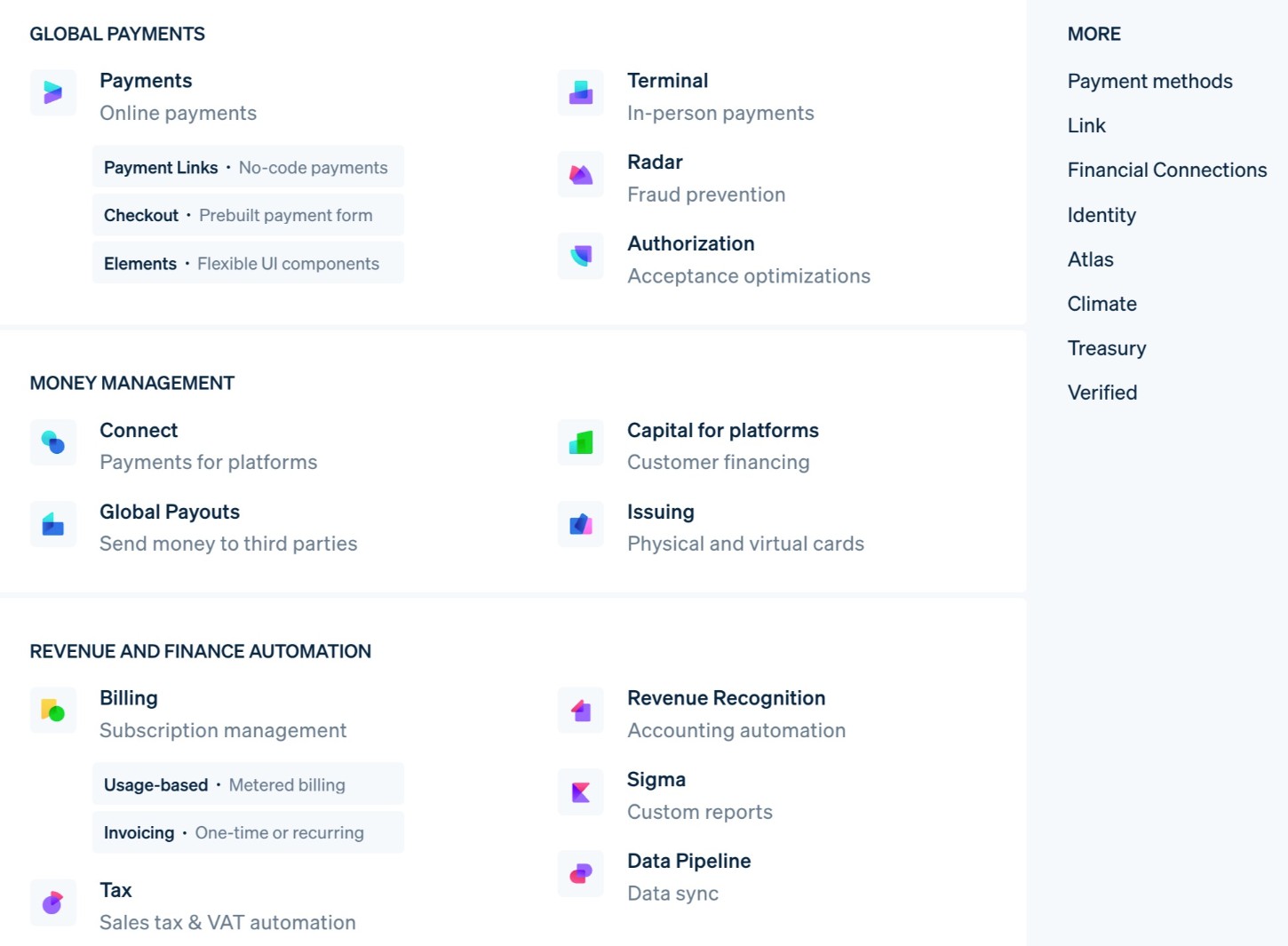
- All-in-one payment solution – while Authorize.net is technically a payment gateway, it does offer an all-in-one solution that functions more like Stripe. The all-in-one service uses payment processing from multiple providers on the backend.
- Gateway-only service – you can also choose to just use Authorize.net as a frontend payment gateway while connecting your own merchant account for payment processing.
- Small selection of payment methods – in addition to credit and debit cards, Authorize.net also supports a few additional methods, including Apple Pay and ACH payments.
- Subscription payments – Authorize.net lets you set up automatic recurring payments, in addition to collecting one-time payments.
- Third-party add-ons for WordPress and Gravity Forms – while the Gravity Forms team doesn’t offer its own add-on for Authorize.net, there are third-party solutions that let you accept WordPress payments.
- Fraud tools – Authorize.net offers tools for real-time fraud detection.
Pricing, rates, and notable fees
Next, let’s compare some of the notable processing rates and fees for Stripe and Authorize.net.
For this comparison, we’ll consider the processing rates of Authorize.net’s unified payment solution. However, if you’re just using Authorize.net as a payment gateway for a different payment processor, the rates could vary.
One key difference is that Authorize.net charges a fixed $25 per month gateway fee in addition to whatever you pay for processing. Stripe does not charge any monthly fee – you only pay for the actual payment processing.
Here’s a simple comparison of card processing rates within the USA at both services – keep reading for more details…
|
Stripe |
Authorize.net (all-in-one) |
|
|
Online card payments |
2.90% + $0.30 per transaction |
2.90% + $0.30 per transaction |
|
In-person card payments |
2.70% + $0.05 per transaction |
2.90% + $0.30 per transaction |
Stripe
For payments in the USA, Stripe has the following rates at the time of this writing:
- Online card payments – 2.9% + $0.30 per transaction
- Online wallet payments (Apple Pay, Google Pay, etc.) – 2.9% + $0.30 per transaction
- In-person card payments – 2.7% + $0.05 per transaction
- Manual card entry card payments – 3.4% + $0.30 per transaction
- ACH payments – 0.8% ($5 cap)
- Stripe Link payments – 2.9% + $0.30 for domestic cards or 2.6% + $0.30 for Instant Bank Payments
This page has more information about Stripe’s USA pricing, and here are Stripe’s pricing details for some other regions:
Stripe chargeback fees
Stripe charges a non-refundable $15 fee for disputed payments, regardless of the outcome of the dispute. This is pretty standard for payment processors.
Stripe monthly account fees
Stripe does not have any monthly fees or minimums for payment processing or gateway access. You’ll only pay the actual processing rates for each transaction.
Authorize.net
For its all-in-one service, Authorize.net charges a fixed processing rate of “2.90% + $0.30 per transaction”, which is identical to Stripe’s online card payment rate but higher than Stripe’s rate for in-person payments.
For ACH payments (“eCheck”), Authorize.net charges 0.75% per transaction. Notably, Authorize.net does not have an upper limit like Stripe’s $5 maximum for ACH payments, so Authorize.net could be significantly more expensive for large bank transfer payments.
Authorize.net chargeback fees
Authorize.net charges $25 per chargeback, regardless of the outcome. While having some type of chargeback fee is common, Authorize.net’s $25 fee is higher than Stripe’s $15 fee.
Authorize.net monthly account fees
Unlike Stripe, Authorize.net charges a fixed monthly access fee just to use the payment gateway, which you’ll need to pay regardless of whether or not you’re processing payments.
This fee is $25 per month, which adds up to an extra $300 per year that you wouldn’t need to pay with Stripe.
Supported payment methods
If you want to go beyond accepting credit and debit card payments, it’s important to consider the other payment methods that each processor supports.
Overall, Stripe offers much broader support for payment methods, which might make it a better option if you want to give your customers additional options for making payments.
Stripe
Currently, Stripe supports well over 100+ different payment methods, including credit and debit cards, digital wallets, various bank-based methods, “buy now, pay later” services, and more. Stripe also offers support for a ton of smaller local payment methods, which is something that Authorize.net doesn’t offer.
You can browse all of Stripe’s supported payment methods here, but here’s a brief summary of some of the most notable methods:
- Credit and debit cards – Stripe supports all major issuers, including Visa, Mastercard, American Express, Discover, JCB, UnionPay, Diners Club, and more.
- Global and local digital wallets – in addition to big names like Apple Pay and Google Pay, Stripe also supports other wallets like Cash App, GrabPay, WeChat Pay, Alipay, and more. Stripe also supports PayPal, but only in the European Union.
- Bank transfer and debit payments – Stripe supports a variety of bank-based payments, including ACH payments in the USA, SEPA transfers in Europe, EPS, Bancontact, SPEI (Mexico), and many others.
- “Buy Now, Pay Later” services – Stripe supports all the big names, including Affirm, Afterpay, Klarna, and many others.

Authorize.net
To start, Authorize.net supports credit and debit card payments from all major issuers, including Visa, Mastercard, American Express, Discover, JCB, and UnionPay.
In addition to that, Authorize.net supports a small collection of digital payment services – Apple Pay, Google Pay, and PayPal.
Finally, you can also use Authorize.net to accept ACH payments via its eCheck tool.
While Authorize.net’s supported payment methods cover most of the big options, Stripe goes much further when it comes to supporting different payment methods.
Supported countries and currencies
In general, Stripe offers much broader global support, both in terms of the countries that it works with and the currencies that it supports.
If your business is located outside of the USA or a couple of other countries, this could be another factor pushing you in the direction of Stripe.
Stripe
Stripe is currently available to businesses in over 50 different countries, including the USA, Canada, Australia, the UK, countries in the European Union, Singapore, Brazil, and many others.

Stripe also offers even broader local currency support, with the option to charge your customers in over 135+ different currencies.
Being able to charge customers in their local currencies can offer better conversion rates and authorization rates for international payments, while also just generally creating a better experience for your customers, as they don’t need to worry about currency conversion fees when making their payments.
At the same time, you can still receive payments in your own local currency, as Stripe offers cross-border payouts in 114+ different countries.
Authorize.net
Currently, Authorize.net only works with businesses located in the USA, Canada, or Australia. So, if your business is outside of those countries, you’ll need to consider Stripe or another payment processor.
You can use Authorize.net to accept international payments – it’s just that your own business must be located in one of those three supported countries.
Authorize.net also has much more limited currency support, and each Authorize.net account can only support one currency. To accept multiple currencies, you would need to create multiple accounts.
If you want to be able to charge international customers in their own local currencies (rather than charging them in your chosen currency), this is another area where Stripe might be another option.
Gravity Forms Add-Ons
If you’re using WordPress for your website and you want to accept online payments using Gravity Forms, you can integrate Gravity Forms with Stripe.
Using Stripe will generally give you more flexibility for accepting payments because Gravity Forms offers a tight integration with Stripe, along with a Stripe Add-On that comes directly from the Gravity Forms team.
You can also connect Gravity Forms and Authorize.net, but you’d need to rely on a third-party add-on.
Below, we’ll go through your options for using Stripe and Authorize.net with WordPress and Gravity Forms…
Stripe
The Gravity Forms Stripe Add-On is an official add-on that comes directly from Gravity Forms. You can access it on the Gravity Forms Pro, Elite, or Nonprofit licenses.
With the add-on, you can use your WordPress forms to accept one-time and recurring payments, including setting up fully customizable subscription payments.
In addition to letting you accept credit and debit cards, the add-on also supports many of the other well-known payment methods that Stripe offers, including the following:
- Apple Pay
- Google Pay
- WeChat Pay
- ACH Direct (bank transfer payment in the USA)
- SEPA Direct Debit
- Bancontact
- EPS
- iDEAL
The exact payment methods that are available to your form will depend on the currency of your form and other factors, such as the geographic location of the customer who is making a payment.

Here’s a quick rundown of some of the other key features in the Gravity Forms Stripe Add-On:
- One-time payments – you can use any of the payment gateways in the screenshot above to accept one-time payments.
- Subscription payments – you have full control over the schedule, such as charging customers monthly or yearly. You can also offer free trials or add one-time signup fees to the first payment.
- Customer self-management for subscriptions – you can create a frontend area for customers to manage their own subscriptions. You can do this using a simple shortcode.
- WordPress dashboard payment management – you can also manage subscriptions and refund payments directly from the WordPress dashboard.
- Authorize and capture – you can authorize a customer’s card when they submit the payment form, but wait to actually capture the payment until a later time.
To learn more, check out our full guide to using Stripe for WordPress payments.
Authorize.net
Whereas Gravity Forms offers its own official add-on for Stripe, Gravity Forms does not currently offer an official add-on for Authorize.net.
You can find third-party community Gravity Forms add-ons that let you integrate your forms with Authorize.net, though. However, these add-ons have not been verified by the Gravity Forms team, so you’ll need to do your own due diligence before relying on them for payments.
If you want to use an integration that’s developed and maintained directly by the Gravity Forms team, you should consider using Stripe and the Stripe Add-On instead.
In-person payments (physical hardware)
In addition to letting you accept online payments via WordPress/Gravity Forms and other methods, Stripe and Authorize.net both offer support for in-person payments via physical hardware.
Stripe
Stripe offers its own physical hardware for in-person payments, but you can also integrate it into third-party point-of-sale systems using hardware from other well-known providers, such as Verifone.
For its own hardware, Stripe offers two options:
- Stripe Reader M2 – a tiny card reader that you can integrate into your POS system.
- Stripe Reader S700 – a more standalone Android-based reader that has its own screen.
Stripe also offers mobile apps for iOS and Android that let you accept tap-to-pay card payments and other contactless payment methods via your mobile device.

Authorize.net
Authorize.net does not currently offer its own physical hardware for in-person payments, but it does offer its Virtual Point of Sale (VPOS) tool that lets you connect compatible card readers to your computer and accept in-person payments that way.
In addition to its computer software, Authorize.net also offers apps for iOS and Android that let you connect a compatible card reader directly to your smartphone or tablet.

Final thoughts on Stripe vs Authorize.net
Overall, both Stripe and Authorize.net accomplish the goal of letting you accept payments. However, for many businesses, Stripe can offer advantages that Authorize.net doesn’t have.
To start, Stripe offers much broader support for non-card payment methods, including a variety of digital wallets, bank-based methods, and more. While Authorize.net does support ACH payments and Apple Pay, its overall list of supported payment methods is significantly shorter than Stripe’s.
Stripe also offers much broader support for different countries and currencies, which can be a big advantage if your business operates or deals with customers outside of the USA or the other short list of countries that Authorize.net supports.
Stripe is also a unified payment solution, which means it handles both the frontend payment gateway and backend payment processing.
Lastly, Stripe doesn’t charge any fixed monthly fee – you only pay the processing fee for your transactions. In contrast, Authorize.net will charge you a monthly gateway fee on top of its processing rates, regardless of whether or not you’re processing transactions.
If you’re using WordPress and Gravity Forms, it’s also much easier to use Stripe to accept payments on WordPress. The Gravity Forms Stripe Add-On comes directly from the Gravity Forms team and lets you easily accept both one-time and recurring payments.

If you want to keep up-to-date with what’s happening on the blog sign up for the Gravity Forms newsletter!