Tech stacks we love for nonprofits
 By Sarah Kirkwold
Published February 10, 2026 · Updated February 11, 2026
By Sarah Kirkwold
Published February 10, 2026 · Updated February 11, 2026
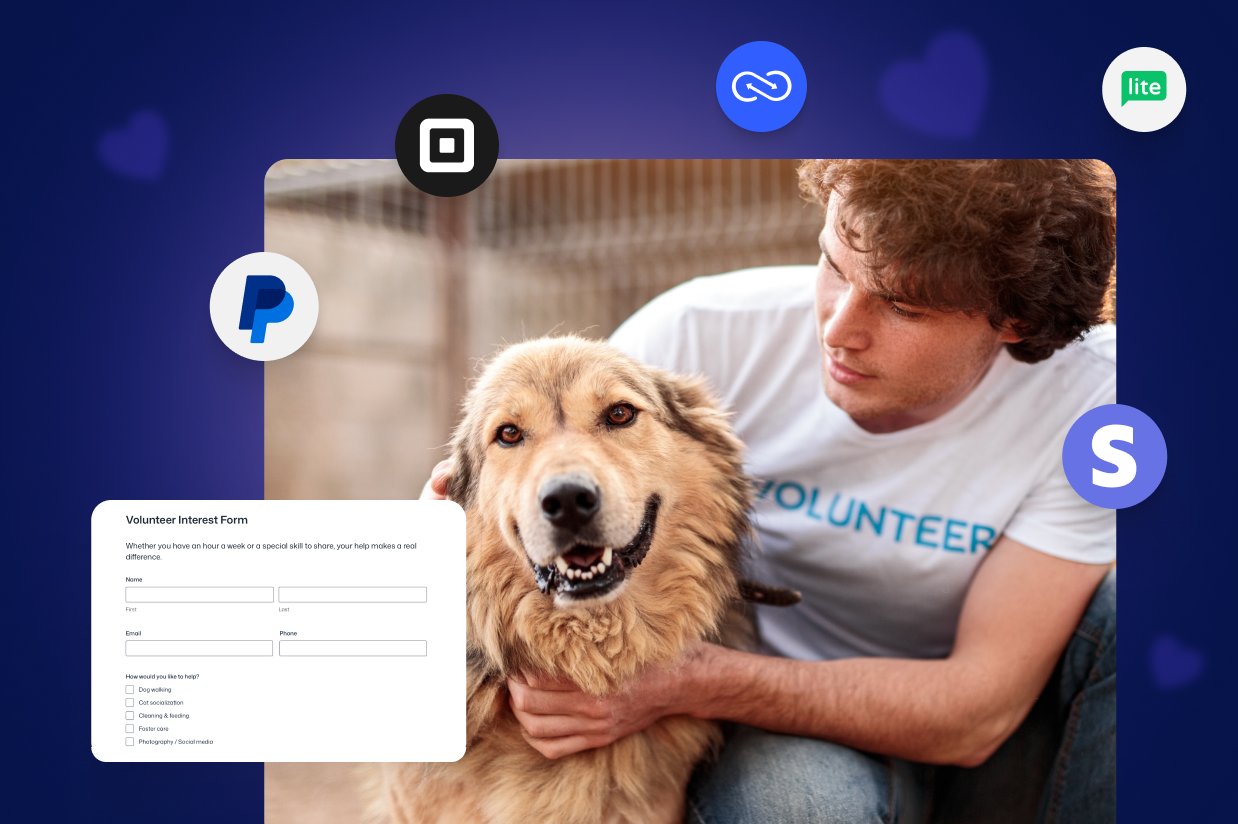
Nonprofit work runs on trust – from donors, volunteers, partners, and the communities you serve.
Every interaction is a moment that either strengthens that trust or slowly erodes it. A donation should feel acknowledged. A volunteer signup should feel welcomed. An event registration should feel organized. A grant application should feel respectful of the applicant’s time.
But behind the scenes, many nonprofit teams are forced to manage these moments across disconnected tools: donation platforms that don’t talk to the CRM, event tools that live outside email marketing, volunteer data stuck in spreadsheets, and approvals buried in inboxes.
The result isn’t just inefficiency – it’s missed follow-up, delayed responses, and unnecessary friction for people who already want to support your mission.
The answer isn’t piling on more software. It’s creating a reliable system where every form submission moves people forward automatically and thoughtfully.
For WordPress-based nonprofits, that system starts with Gravity Forms paired with the right add-ons to turn intent into action without adding complexity.
Why forms are the foundation of nonprofit operations
Too many form builders treat submissions as the finish line – collect the data, send a receipt, and stop. Nonprofits need the opposite.
A form submission should start the journey by triggering workflows, updating records, routing approvals, and launching communications automatically.
Nearly every meaningful nonprofit interaction starts with a form:
- A donor making a contribution
- A volunteer offering their time
- A supporter signing up for updates
- An event attendee registering
- An organization submitting a grant application
Forms are the bridge between mission‑driven intent and real‑world impact. When they work well, they power fundraising, engagement, and operations. When they don’t, teams lose time, supporters fall through the cracks, and revenue suffers.
The nonprofit forms you actually need on your WordPress website
Donation form
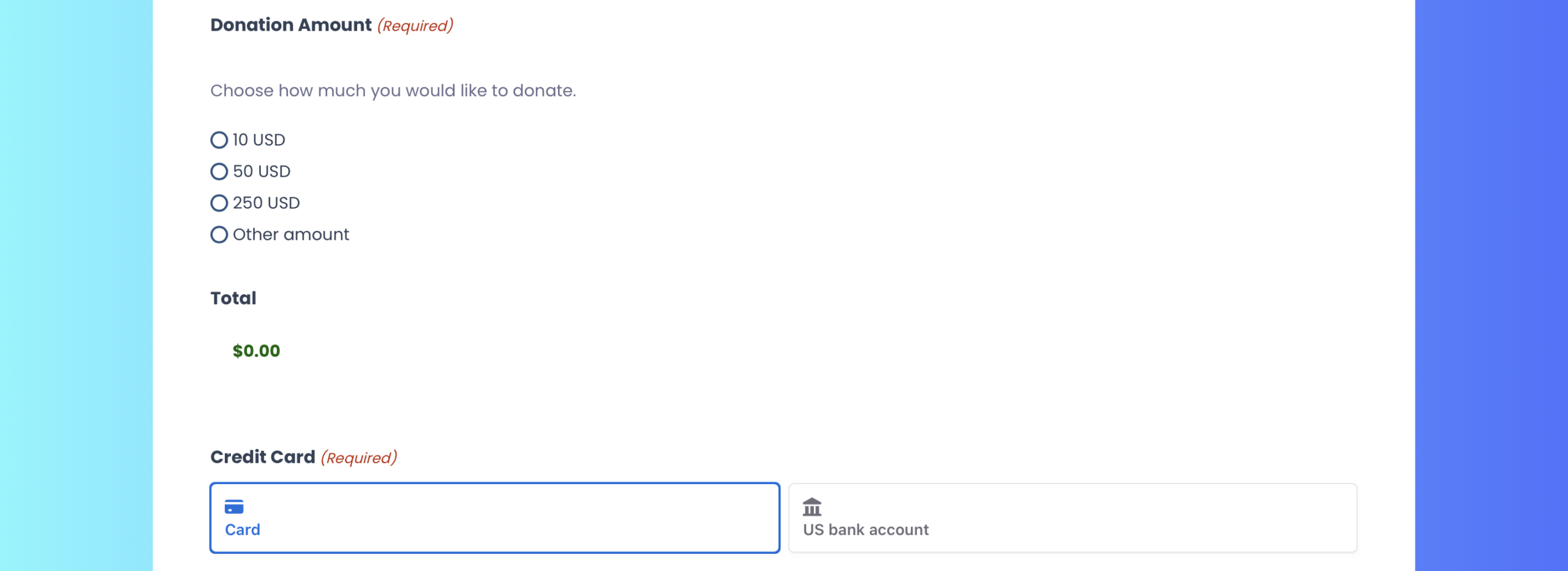
A flexible donation form is the heartbeat of nonprofit fundraising. These forms should support preset giving levels, custom amounts, and recurring donations while integrating seamlessly with your payment processor. Behind the scenes, each donation should sync to your CRM, trigger receipts and thank‑you emails, and apply tags or notes for future stewardship.
With Gravity Forms, donation forms can be connected to Stripe, PayPal Checkout, Square, or Mollie – all while providing a high-end user experience and ensuring donors don’t have to leave your site to make a payment.
Event registration form
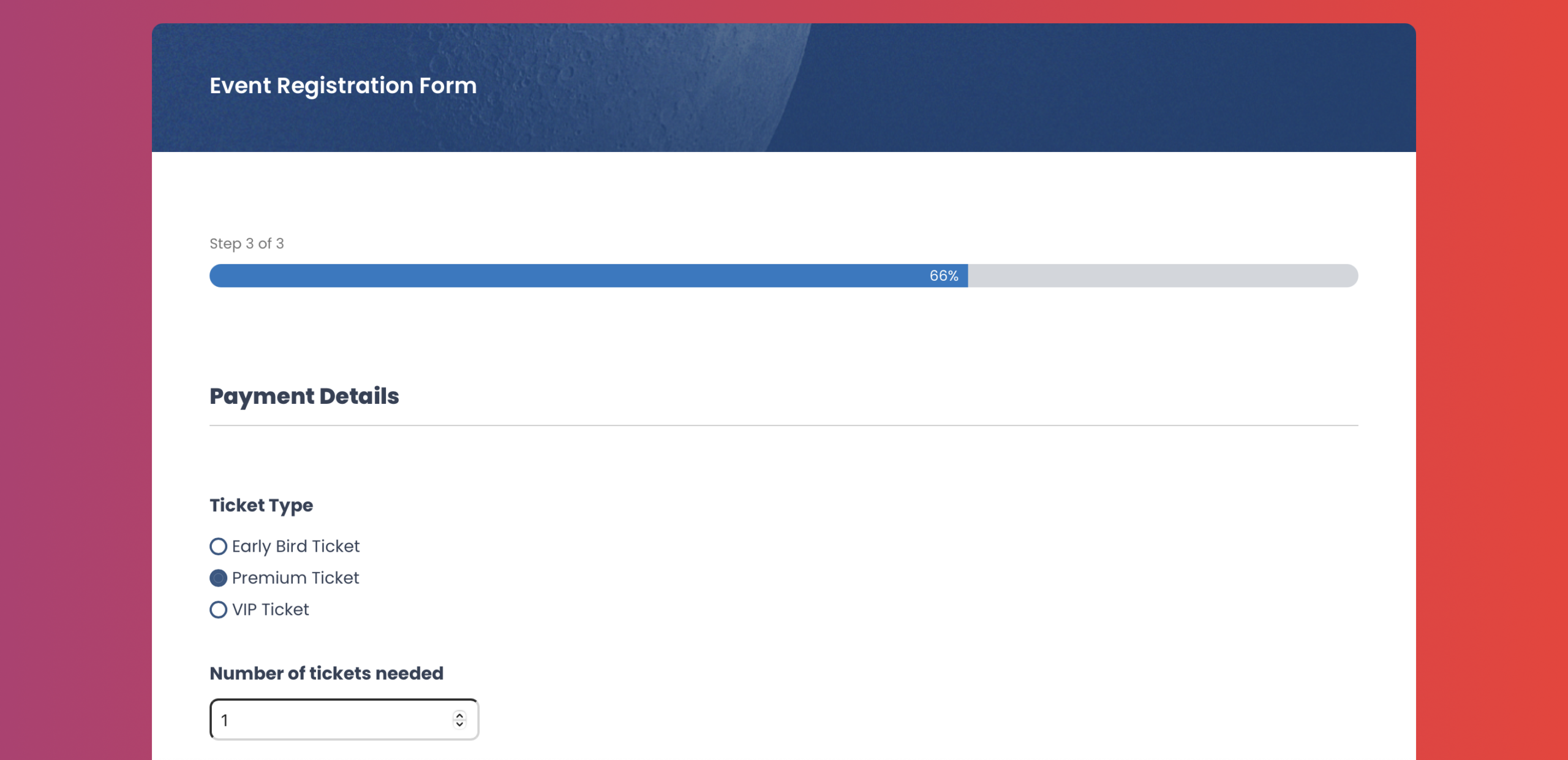
Galas, fundraisers, and community events require registration forms that do more than collect names. Meal preferences, t-shirt sizes, accessibility needs, and optional add-on donations can all be handled with conditional logic and multi-page forms.
Once submitted, registrations can automatically trigger confirmation emails, add attendees to email lists, update CRM records, and notify staff, eliminating manual reconciliation.
Volunteer signup form
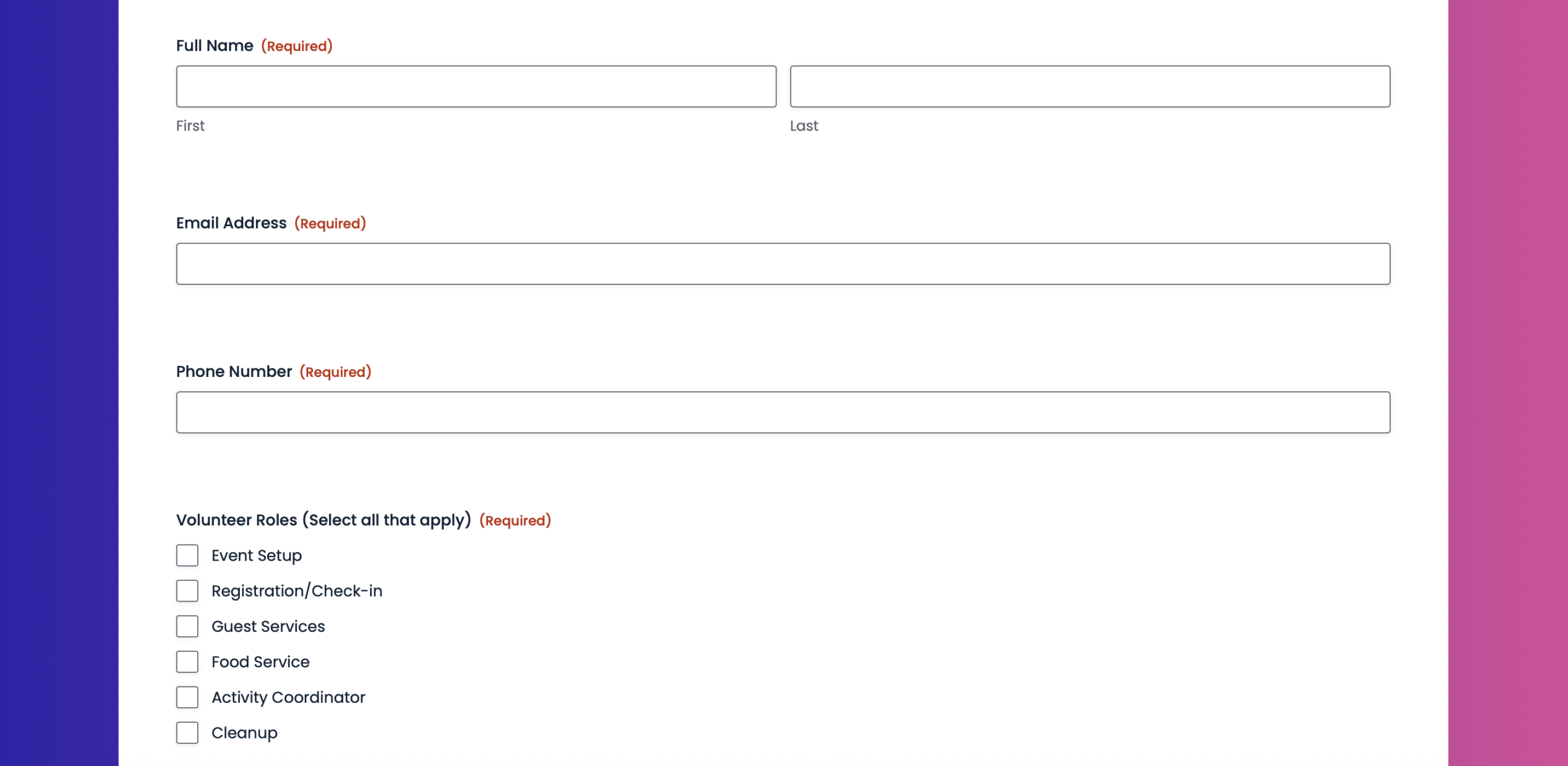
Volunteer recruitment requires structure. Signup forms can capture role preferences, availability, skills, and emergency contacts, then route submissions to the appropriate coordinator for review and approval.
Using workflows, volunteers can be automatically approved, assigned, or followed up with onboarding information, saving staff hours each week.
Newsletter signup form
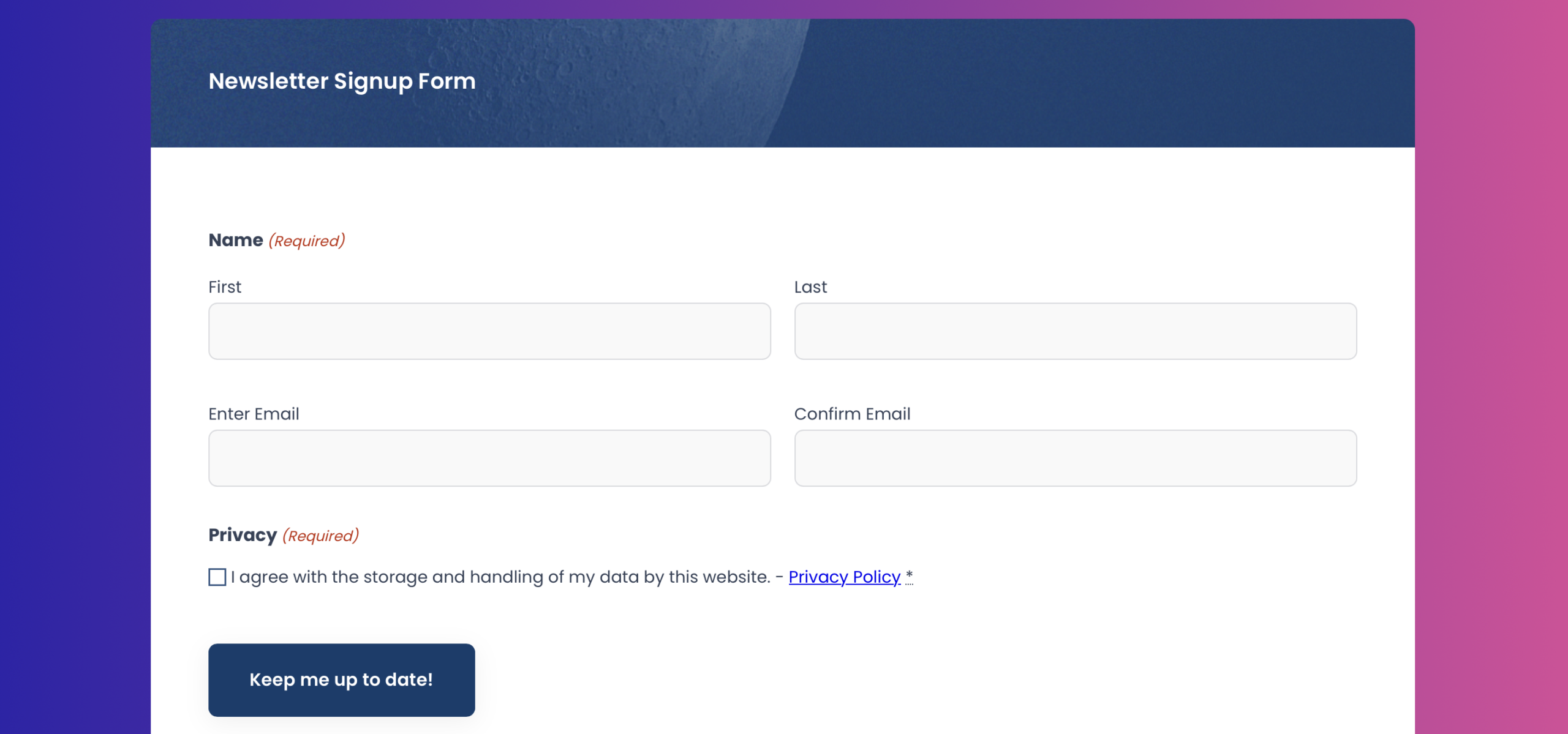
Not every supporter is ready to donate, but many are happy to stay informed. A simple newsletter signup form with topic preferences allows nonprofits to segment audiences and deliver more relevant updates.
Integrated email marketing ensures subscribers are added to email lists instantly and tagged correctly without manual imports.
Grant application form
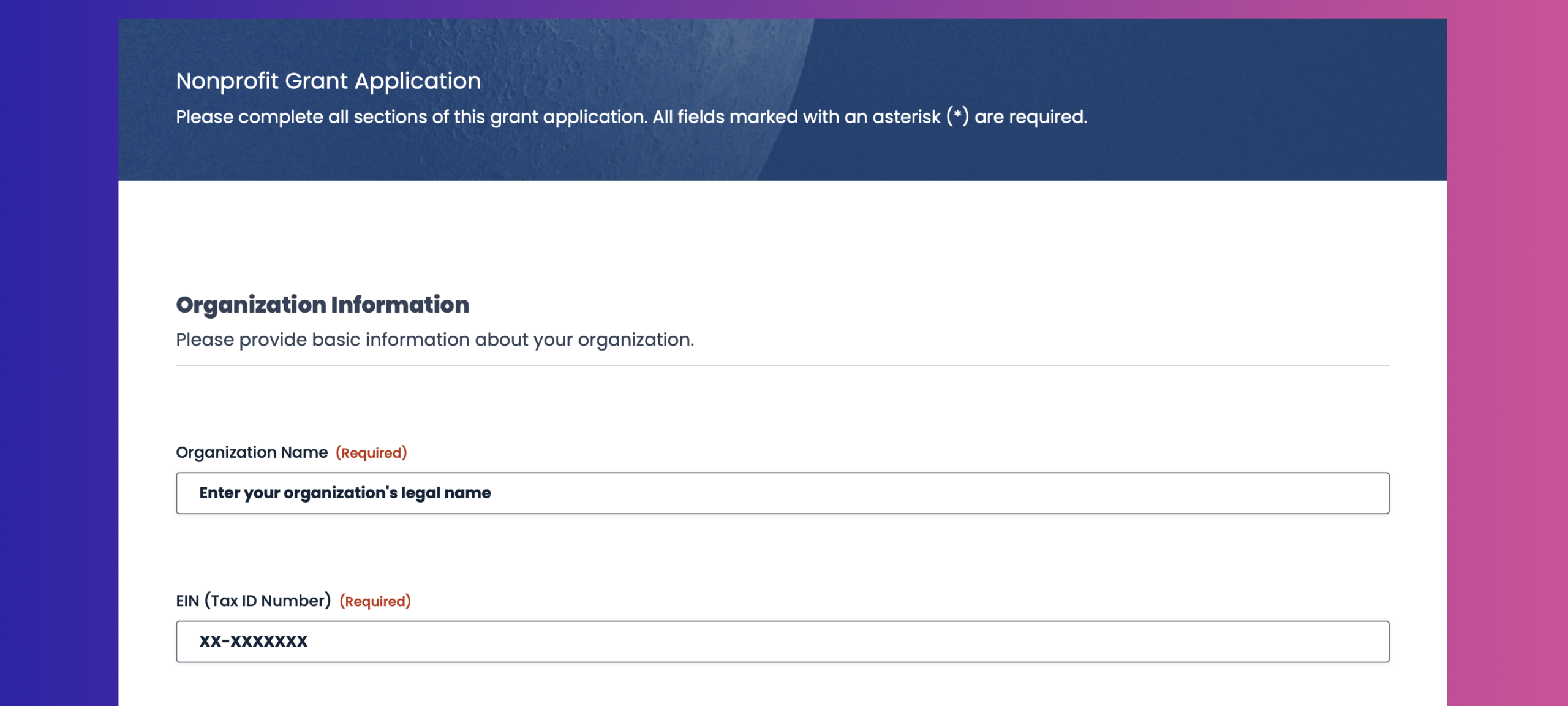
Grant applications are often long, complex, and high‑stakes. Multi‑page forms with save‑and‑continue functionality allow applicants to complete submissions over time, upload required documents, and avoid losing progress.
Internally, submissions can be routed through structured approval workflows so staff and board members can review, comment, and approve without email chaos.
Ready-to-use form templates for nonprofit websites
Browse our GitHub form template library of ready‑to‑use Gravity Forms JSON templates for nonprofits, download what you need, and import them directly into your WordPress site in minutes. No rebuilding, no guesswork -just premade forms you can customize to match your mission.
Here are some dos to keep in mind:
- Use these forms as a starting point – Treat these templates as a foundation. Feel free to add, remove, or rearrange fields to suit your workflow.
- Review the form before publishing – These templates are designed to get you started fast, not to be used blindly. Always preview the form and confirm that the fields, conditional logic, confirmations, and notifications fit your specific use case.
- Customize labels, copy, and branding – Update field labels, descriptions, and other field settings, so the form matches your site’s tone, branding, and user expectations.
- Check notifications and confirmations – After importing, verify email notifications and confirmations are set up and read correctly for your site and email environment.
- Install and connect any add-ons as needed – If the template you import uses an add on, you’ll need to install and connect it, as well as set up any feeds. If you’re using a payment add-on, you’ll also need to add the appropriate payment field to the form.
- Test the form end-to-end – Submit a few test entries to make sure everything works as expected – especially payment fields, file uploads, and conditional logic.
Here are some don’ts to avoid
- Publish without testing – Imported forms may reference placeholders, example email addresses, or generic confirmations that need updating.
- Assume integrations are connected – Third-party integrations (payments, CRMs, automation tools) are not automatically configured. You’ll need to install and connect the add-ons and set up any necessary feeds.
- Rely on sample copy – Any instructional text, field labels, or confirmations are examples only and should be reviewed for accuracy and compliance.
- No backup – If you’re importing templates to a live website, we always recommend that you backup first.
- Forget permissions and privacy requirements – If the form collects personal data, ensure it complies with your privacy policy, consent requirements, and local regulations.
The tools that power modern nonprofit workflows
The real impact comes from connecting forms to the tools nonprofits rely on every day. These add-ons turn Gravity Forms into an operational backbone for fundraising, engagement, and internal processes.
Stripe, PayPal Checkout, and Square
Accepting donations should be simple, secure, and flexible. These payment add-ons allow nonprofits to collect one-time and recurring gifts directly through Gravity Forms, while keeping donors on your website.
Donation data can be captured alongside supporter information, synced to your CRM, and used to trigger receipts, acknowledgements, and follow-up workflows automatically. Square also supports in-person giving, making it easier to unify online and offline donations in a single system.
Learn more about the Gravity Forms online payment Add-Ons and how to set them up.
Mailchimp
Email remains one of the most effective tools for donor stewardship and volunteer engagement. This integration automatically adds form submitters to specific lists or segments based on their responses, applies tags for segmentation, and updates existing subscriber profiles. Plus, segmentation happens automatically, making it easier to send timely, relevant communication.
Learn more about the Gravity Forms Mailchimp Add-On, and how to set it up.
Salesforce
For nonprofits with complex processes that are using Salesforce as their CRM, clean data and visibility matter. This add-on ensures every Gravity Forms submission updates the right records with mapped fields and consistent formatting, and your staff gain real-time insight without duplicate data entry or reconciliation work.
Learn more about the Gravity Forms Salesforce Add-On and how to set it up.
Zapier
This is your Swiss Army knife for connecting Gravity Forms to the hundreds of tools that don’t have native integrations. Want to create contacts in Outlook from form submissions? Add rows to Google Sheets? Create Asana or ClickUp tasks? Zapier makes it possible.
Learn more about the Gravity Forms Zapier Add-On, and how to set it up.
Gravity Flow
Many nonprofit processes involve multiple people, reviews, and approvals. Gravity Flow brings structure to these workflows directly inside WordPress.
Grant applications can move through review stages. Volunteer applications can require approval before onboarding. Internal requests can be routed, approved, or rejected with full visibility and audit trails. All activity stays connected to the original form entry.
Learn more about Gravity Flow, or sign up for a free demo and try automation for yourself.
Gravity SMTP
Donation receipts, volunteer confirmations, and application notifications only matter if they’re delivered. Default WordPress email often falls short, leading to missed acknowledgements and unnecessary follow-up.
Gravity SMTP improves deliverability for all WordPress emails, not just form notifications. Reliable delivery protects donor confidence, supports compliance requirements, and ensures every supporter interaction is acknowledged as intended.
Learn more about Gravity SMTP and how to get started with more reliable WordPress email.
Features that make nonprofit forms more effective
Together, these features turn forms into dependable systems, not just data collection tools.
- Conditional logic keeps forms focused and donor‑friendly.
- Multi‑page forms break long submissions into manageable steps.
- Save and continue allows applicants and donors to return later.
- Partial entries provide insight into abandoned forms.
- Workflow approvals keep internal processes organized and auditable.
- Accessibility‑ready forms ensure everyone can participate, regardless of ability.
When forms are designed with both humans and workflows in mind, nonprofits can scale their impact without scaling chaos.
Build your nonprofit tech stack with Gravity Forms
When your forms are connected to your fundraising, communications, and operations tools, your team can focus on impact instead of administration.
Launching a new campaign doesn’t require juggling platforms or reconciling spreadsheets. A single form can accept donations, update your CRM, trigger emails, and route approvals automatically.
That’s the difference between nonprofit operations that scale and ones that stall.
The strongest nonprofit tech stacks aren’t built on complexity – they’re built on reliable, accessible, and well‑integrated forms. Get the foundation right, and your mission moves faster.
Try the free Gravity Forms Elite demo to explore advanced features and add‑ons, or jump‑start your next campaign with our ready‑to‑use nonprofit JSON form templates – simply download, import, and customize in minutes.

If you want to keep up-to-date with what’s happening on the blog sign up for the Gravity Forms newsletter!