Tech stacks we love for marketing
 By Sarah Kirkwold
Published February 3, 2026 · Updated February 9, 2026
By Sarah Kirkwold
Published February 3, 2026 · Updated February 9, 2026

Marketing teams aren’t short on tools – they’re short on connection.
Between email platforms, CRMs, communication and analytics tools – most marketing teams juggle 15-30 pieces of software. The problem isn’t data collection. It’s what happens after the data is collected.
A form gets filled out, but the lead never reaches the CRM. A newsletter signup comes in, but no follow-up email is sent. A customer inquiry comes in, but there’s no visibility into whether that person ever becomes a customer.
This gap between data capture and action is where opportunities are lost, and effective nurturing only works when your systems actually talk to each other. The answer isn’t adding more tools – it’s choosing the right foundation.
For WordPress-based marketing teams, that foundation is Gravity Forms paired with the right stack of tools to turn form submissions into automated workflows.
Why forms are the foundation of marketing operations
Nearly every meaningful website interaction starts with a form:
- A prospect requesting a demo
- A webinar registration
- A newsletter signup
- A support or partnership inquiry
- A quiz or assessment
Forms are the bridge between anonymous traffic and known, actionable contacts. When they work well, they power your entire marketing engine. When they don’t, everything downstream suffers.
Too many form builders treat submissions as the end of the journey – send an email, store an entry, and stop. Modern marketing requires the opposite. A form submission should start the journey by triggering workflows, updating records, segmenting contacts, and launching follow-ups automatically.
The marketing forms you actually need on your WordPress website
Lead generation forms
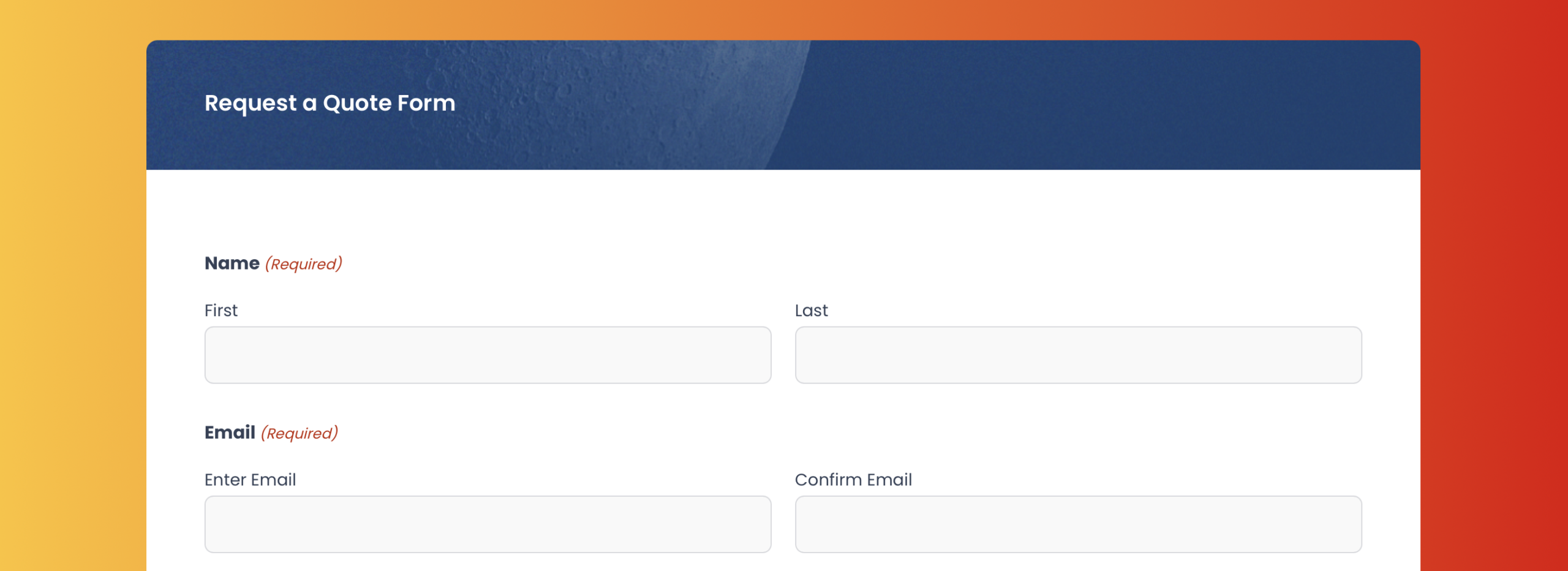
High-intent forms for demos, quotes, and sales conversations – these should route leads intelligently based on criteria like location, company size, or product interest, sync directly with your CRM, and notify the right sales rep immediately.
Survey and feedback forms
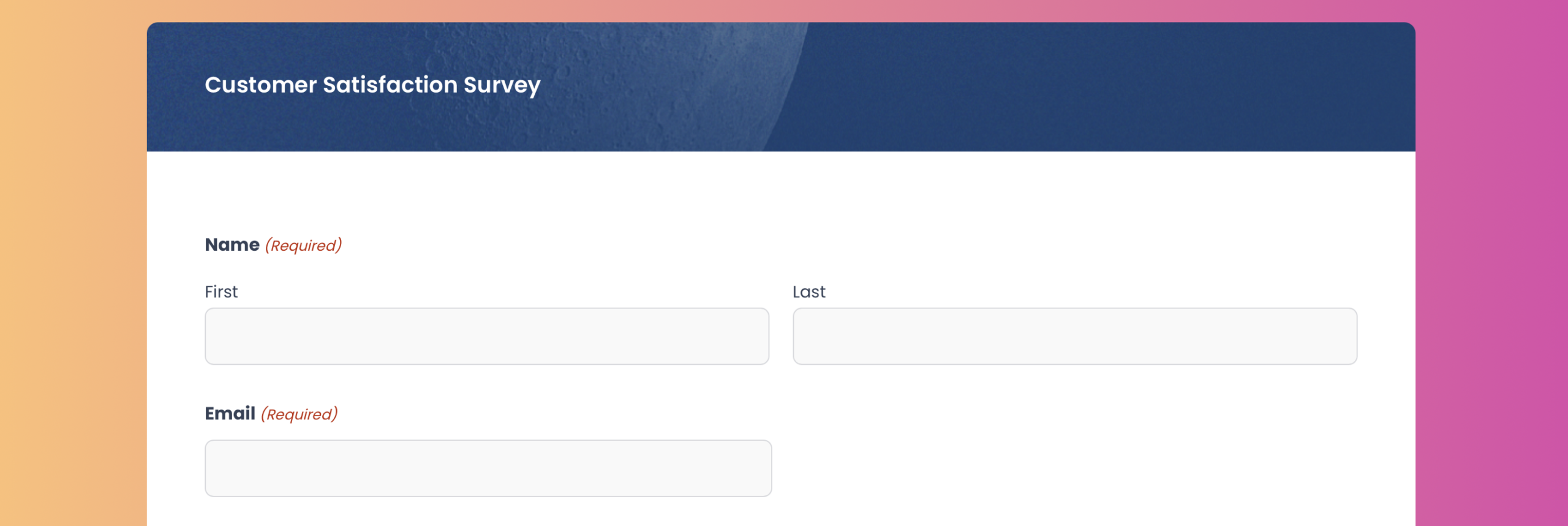
Feedback only matters if it’s actionable. Survey data should update contact records, trigger alerts for low scores, and inform segmentation for targeted messaging.
Webinar registration forms
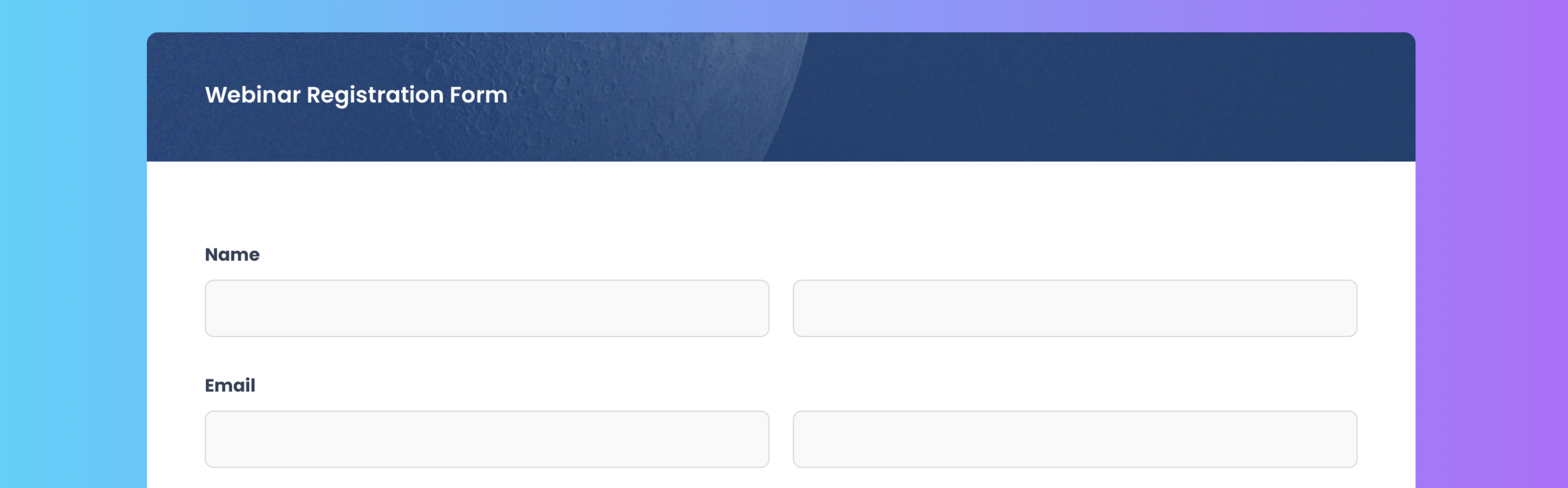
Effective webinar forms integrate with your webinar platform, email tool, and calendar system to handle confirmations, reminders, and post-event follow-up – without manual work slowing down your team.
Ready-to-use marketing form templates you can download and customize
Browse our new GitHub form template library of ready-to-use Gravity Forms JSON templates, download what you need, and import them directly into your WordPress site in minutes. No rebuilding, no guesswork – just premade forms you can customize to fit your brand.
Here are some dos to keep in mind:
- Use these forms as a starting point – Treat these templates as a foundation. Feel free to add, remove, or rearrange fields to suit your workflow.
- Review the form before publishing – These templates are designed to get you started fast, not to be used blindly. Always preview the form and confirm that the fields, conditional logic, confirmations, and notifications fit your specific use case.
- Customize labels, copy, and branding – Update field labels, descriptions, and other field settings, so the form matches your site’s tone, branding, and user expectations.
- Check notifications and confirmations – After importing, verify email notifications and confirmations are set up and read correctly for your site.
- Install and connect any add-ons as needed – If the template you import uses an add on, you’ll need to install and connect it, as well as set up any feeds. If you’re using a payment add-on, you’ll also need to add the appropriate payment field to the form.
- Test the form end-to-end – Submit a few test entries to make sure everything works as expected – especially payment fields, file uploads, and conditional logic.
Here are some don’ts to avoid
- Publish without testing – Imported forms may reference placeholders, example email addresses, or generic confirmations that need updating.
- Assume integrations are connected – Third-party integrations (payments, CRMs, automation tools) are not automatically configured. You’ll need to install and connect the add-ons and set up any necessary feeds.
- Rely on sample copy – Any instructional text, field labels, or confirmations are examples only and should be reviewed for accuracy and compliance.
- No backup – If you’re importing templates to a live website, we always recommend that you backup first.
- Forget permissions and privacy requirements – If the form collects personal data, ensure it complies with your privacy policy, consent requirements, and local regulations.
The tools that transform your marketing stack
The real power comes from connecting your forms to the broader marketing ecosystem. Here’s how the right add-ons turn Gravity Forms into a marketing powerhouse:
HubSpot
For teams using HubSpot as their marketing hub, native integration is non-negotiable. This add-on sends Gravity Forms submissions directly into HubSpot as contacts or leads, preserving all mapped field data and tracking parameters.
Submissions can automatically trigger workflows, enroll contacts in email drip campaigns, apply lifecycle stages, and support accurate campaign attribution – delivering faster follow-up, cleaner data, and automation that starts the moment the form is submitted.
Learn more about the Gravity Forms HubSpot Add-On, and how to set it up.
Mailchimp
If you don’t need highly complex automation, Mailchimp is one of the most effective and approachable email marketing platforms. This integration automatically adds form submitters to specific lists or segments based on their responses, applies tags for segmentation, and updates existing subscriber profiles. The key is that segmentation happens automatically – no exports, imports, or manual list management required.
Learn more about the Gravity Forms Mailchimp Add-On, and how to set it up.
Zapier
This is your Swiss Army knife for connecting Gravity Forms to the hundreds of tools that don’t have native integrations. Want to create contacts in Outlook from form submissions? Add rows to Google Sheets? Create Asana or ClickUp tasks? Zapier makes it possible. For marketing teams running best-of-breed stacks with multiple specialized tools, this add-on is essential for building the connective tissue between systems.
Learn more about the Gravity Forms Zapier Add-On, and how to set it up.
Quizzes, Polls, and Surveys
Interactive content consistently outperforms static content in engagement metrics. These add-ons transform standard forms into dynamic assessments that can score responses, display personalized results, and segment leads based on their answers. Marketing teams can use this to create product recommendation quizzes, ROI calculators, skills assessments, or any interactive tool that qualifies and engages prospects simultaneously.
Learn more about the Gravity Forms Quiz, Polls, and Survey Add-Ons, how to set them all up.
Webhooks
For more technical teams or those using custom-built systems, webhooks provide the ultimate flexibility. Every form submission can trigger an HTTP POST request to any endpoint you specify, passing along form data in JSON format. This enables real-time integrations with proprietary CRMs, custom analytics platforms, or internal tools that lack standard API access.
Learn more about the Gravity Forms Webhooks Add-On, and how to set it up.
Spam protection
Nothing hurts conversion rates faster than aggressive CAPTCHAs, but nothing drains a team faster than spam. Modern protection needs to block abuse without slowing down real users. Gravity Forms offers layered anti-spam tools, including a built-in honeypot field, Akismet Add-On, Cloudflare Turnstile Add-On, reCAPTCHA Add-On, and Moderation Add-On. With these protective tools, you can stop bots and abusive form submissions quietly in the background, and keep your forms secure, accessible, and conversion-friendly.
Learn more about the Gravity Forms anti-spam Add-Ons, how to set them all up.
Gravity SMTP
Email only works if it gets delivered. Default WordPress email often doesn’t – leading to missed confirmations, lost leads, and broken follow-up. Gravity SMTP improves deliverability for all WordPress emails, not just form notifications. Confirmations, automations, user account messages, and workflow emails all send reliably, ensuring your marketing systems trigger properly and every submission gets the response it deserves.
Learn more about Gravity SMTP and how to get started with more reliable WordPress email.
Features that make marketing forms perform
High-performing marketing forms don’t succeed by asking more questions. They succeed by removing friction. These features are what turn Gravity Forms from a simple form builder into a core piece of marketing infrastructure.
- Conditional logic keeps forms short and relevant by only showing fields that matter.
- Confirmations and notifications deliver the right message to the right audience – both internally and externally.
- Hidden fields capture attribution data like UTMs, referrers, and campaign sources automatically.
- Partial entries reveal where users abandon forms and help recover high-value leads.
- Conversational forms present one question at a time, reducing friction and improving completion rates, especially on mobile.
- Advanced notifications route urgent or high-value submissions instantly, ensuring fast response times.
When your forms work this hard, everything downstream works better.
Build your own marketing tech stack with Gravity Forms
When your forms are deeply integrated with your marketing stack, everything moves faster.
Launching a new campaign doesn’t require developer time or manual setup across five tools. A marketer can create a form, connect it to email and CRM systems, apply attribution, and trigger internal alerts in under an hour.
That’s the difference between marketing operations that scale and ones that stall.
The strongest marketing tech stacks aren’t built on flashy tools – they’re built on reliable, well-integrated forms. Get the foundation right, and the rest of your stack finally works the way it should.
Try the free Gravity Forms Elite demo to explore advanced features and add-ons, or jump-start your next project with one of our ready-to-use Gravity Forms JSON templates – simply download, import, and customize in minutes.

If you want to keep up-to-date with what’s happening on the blog sign up for the Gravity Forms newsletter!